

Download Wurm Online – Free Sandbox MMORPG, Build, Explore, and Thrive
Overview of Wurm Online
Wurm Online is a groundbreaking free-to-play MMORPG that puts world‑building at the heart of the experience. Created by Markus Persson – better known as Notch, the original developer of Minecraft – this game lets players shape an entire continent from the ground up. Unlike traditional MMORPGs where combat and questing dominate, Wurm Online emphasizes creativity, persistence, and community collaboration.
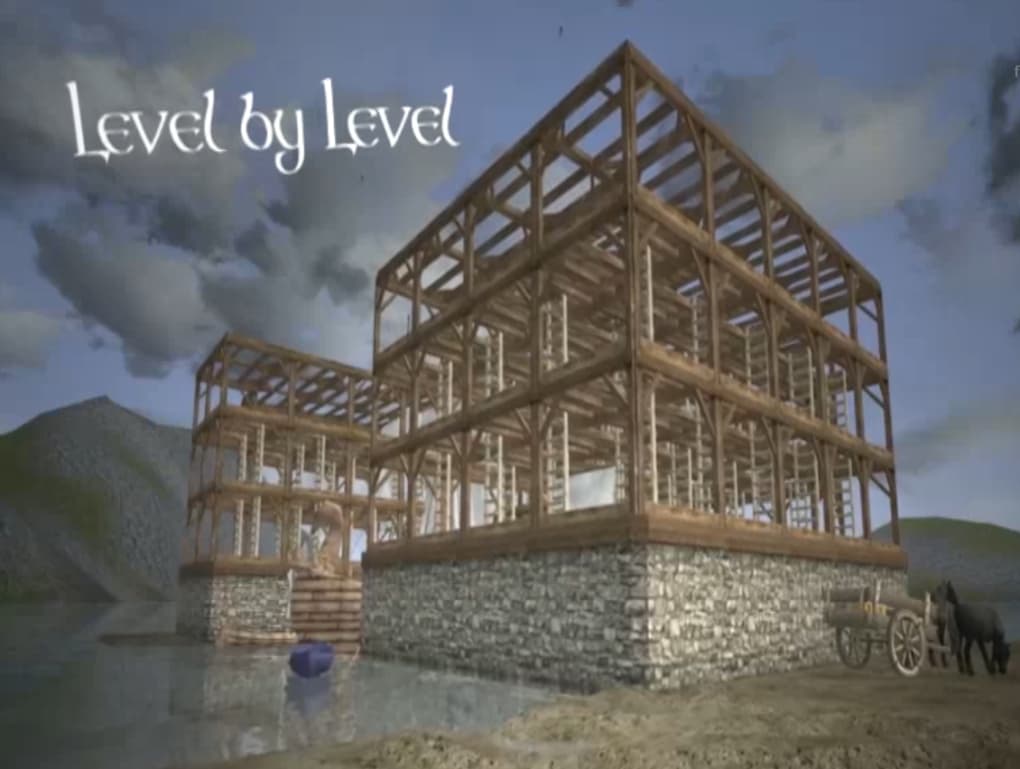
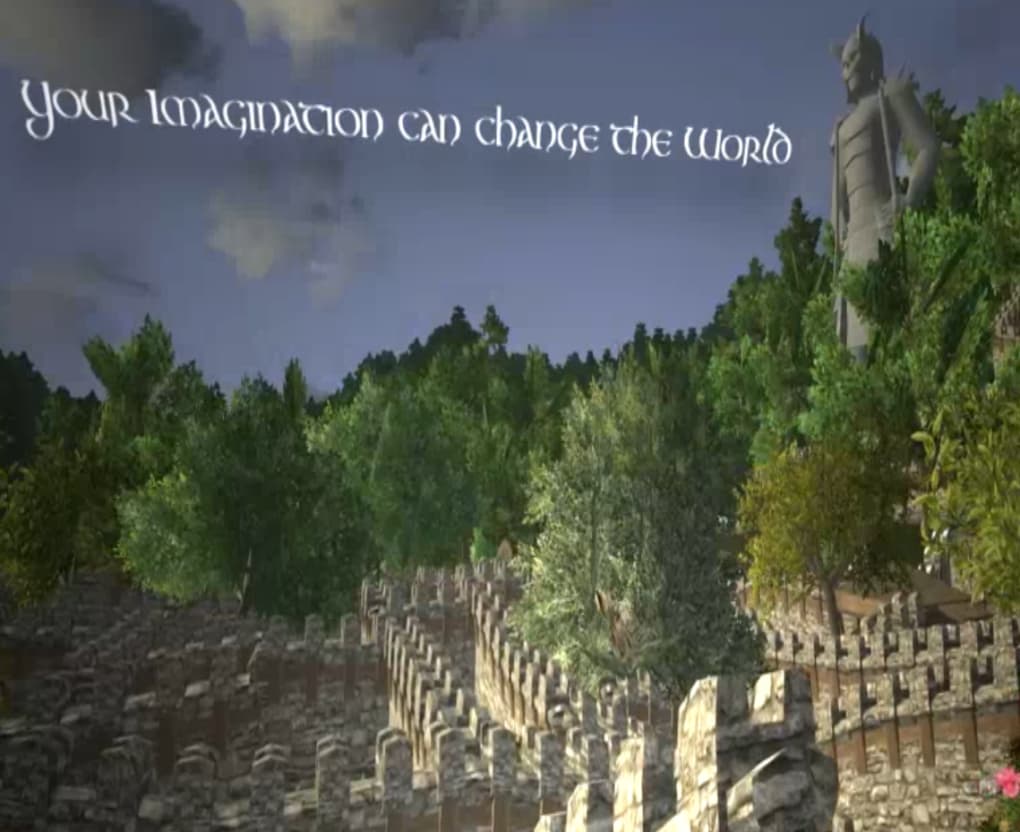
Every hill, river, cave, and forest can be altered with a suite of tools that let you excavate soil, carve stone, plant trees, and construct everything from modest cabins to massive ships. The world is persistent, meaning changes you make remain for all players, creating a living, evolving sandbox that rewards long‑term planning and cooperation. While combat, crafting, and survival mechanics are still integral, the true allure of Wurm Online lies in its staggering possibilities for customization.
Whether you dream of building a medieval citadel, engineering an intricate canal system, or simply sculpting a personal homestead, Wurm Online offers a free, secure, and constantly updated platform to bring those ideas to life. Its deep crafting system, skill‑based progression, and player‑driven economy make it a unique tool for anyone who enjoys both the strategic depth of an RPG and the limitless creativity of a sandbox builder.
Core Features That Set Wurm Online Apart
Wurm Online’s feature set is extensive, and each element is designed to give players ultimate control over their environment. The game’s engine supports a high degree of terrain manipulation, allowing you to dig, fill, and reshape the landscape in real time. Combined with a robust construction system, you can erect structures from simple wooden huts to towering stone fortresses, complete with functional doors, windows, and roofing.
The crafting system is equally deep, offering hundreds of recipes that span metallurgy, woodworking, weaving, and alchemy. Skills improve through use, meaning the more you mine, the better you become at mining, and the same goes for farming, sailing, or smithing. This skill‑based progression encourages players to specialize or become true jack‑of‑all‑trades.
Multiplayer interaction is a cornerstone of Wurm Online; you can form guilds, trade resources, collaborate on massive building projects, or compete in player‑versus‑player arenas. The economy is player‑driven, with markets that respond to supply and demand, giving a realistic feel to trading and resource management. Regular updates from the development team introduce new content, bug fixes, and balance tweaks, ensuring the game remains fresh and secure.
Finally, the free‑to‑play model provides a generous amount of content without a mandatory subscription, though premium accounts unlock additional perks such as faster skill progression and exclusive building materials.
- Full terrain deformation: dig, fill, raise, and lower land at will.
- Advanced building tools: construct houses, castles, bridges, and ships.
- Skill‑based progression: abilities improve through repeated use.
- Extensive crafting system: hundreds of recipes across multiple professions.
- Player‑driven economy: dynamic markets and trade routes.
- Guilds and multiplayer cooperation: team up for large‑scale projects.
- Persistent world: all changes remain for every player.
- Regular free updates: new content, security patches, and balance changes.
- Free‑to‑play core experience with optional premium enhancements.
- Cross‑platform support for Windows, macOS, and Linux.
Installation Guide and First‑Time Usage Tips
Getting started with Wurm Online is straightforward, and the process has been optimized for both beginners and seasoned sandbox gamers. First, visit the official Wurm Online website and click the “Download” button for your operating system. The installer is a small, secure .exe (Windows) or .dmg (macOS) file that checks for required libraries before proceeding.
After the download completes, run the installer and follow the on‑screen prompts: accept the license agreement, choose an installation directory (the default is usually fine), and let the installer copy the necessary files. Once installed, launch the client; you’ll be greeted by the login screen where you can create a free account using an email address and password. After verifying your email, log in and select “Create New Character.” Here, you can customize your avatar’s appearance, name, and initial skill set.
New players are recommended to start in the tutorial zone, which offers guided quests that teach basic controls, digging, building, and resource gathering. Use the “W” key to open the world map, “B” for the building menu, and “C” for the crafting interface. Remember to save your progress regularly by using the “Save” button located at the bottom right of the HUD; the game runs on a persistent server, so changes are automatically stored, but manual saves reduce the risk of data loss during connection issues.
For optimal performance, adjust the graphics settings under “Options > Video”: lower shadow quality and disable unnecessary effects if you experience lag. Finally, join the community forums or Discord channel to find mentors, trade partners, and collaborators for your first building projects. With these steps, you’ll be ready to dig, build, and explore the limitless world of Wurm Online.
Compatibility Overview, Pros, and Cons
Wurm Online runs on a wide range of operating systems, making it accessible to most PC gamers. The client supports Windows 7 and later, macOS 10.12 (Sierra) and newer, as well as several popular Linux distributions such as Ubuntu and Fedora. The game is built on Java, which ensures cross‑platform stability, though a recent JRE (Java Runtime Environment) version is required for optimal performance.
Minimum system requirements include a dual‑core processor, 2 GB RAM, and a graphics card with at least 256 MB VRAM; however, for smoother terrain rendering and larger builds, a quad‑core CPU, 4 GB RAM, and a dedicated GPU are recommended. The client also supports high‑resolution displays up to 4K, and you can adjust the UI scaling in the settings menu. Below is a concise list of advantages and drawbacks based on community feedback and our testing.
Pros
- Unparalleled world‑editing tools give you true creative freedom.
- Free core experience with optional premium upgrades.
- Persistent world ensures your creations last for all players.
- Deep skill system rewards consistent play and specialization.
- Active community and regular developer updates keep the game fresh.
- Cross‑platform support for Windows, macOS, and Linux.
- Robust multiplayer features for guilds and large collaborative projects.
- Low entry barrier; no costly hardware or subscription required.
Cons
- Steep learning curve for new players unfamiliar with sandbox mechanics.
- Graphics are functional but not as polished as modern AAA titles.
- Server latency can affect building precision for distant players.
- Premium subscription offers noticeable advantages, which may feel unbalanced.
- Limited official mobile support; only PC platforms are fully featured.
Supported Operating Systems: Windows 7/8/10/11, macOS 10.12+, Linux (Ubuntu, Fedora, Debian)
Frequently Asked Questions
Is Wurm Online completely free to play?
Yes, the core game is free to download and play. A premium subscription is optional and provides benefits such as faster skill progression, extra building materials, and access to exclusive quests.
Can I play Wurm Online on a Mac?
Absolutely. Wurm Online offers a macOS client compatible with versions 10.12 and newer. The installation process mirrors the Windows version, and all core features are fully supported.
What hardware specifications do I need?
Minimum requirements are a dual‑core CPU, 2 GB RAM, and a graphics card with 256 MB VRAM. For smoother performance, especially when building large structures, a quad‑core CPU, 4 GB RAM, and a dedicated GPU are recommended.
How does the persistent world work?
All terrain modifications, buildings, and crafted items are saved on the server. This means that any changes you make remain even after you log out, and other players will see your creations when they log in.
Is there a mobile version of Wurm Online?
Currently, Wurm Online is only available for PC platforms (Windows, macOS, Linux). There is a separate title called “Wurm Unlimited” that offers similar gameplay but is also PC‑only. No official mobile client exists at this time.
Professional Review Summary
Wurm Online delivers an unmatched sandbox experience within an MMORPG framework. Its emphasis on world editing, skill‑based progression, and player‑driven economy creates a deep, rewarding loop for creators and adventurers alike. While the graphics are modest and the learning curve steep, the free‑to‑play model and regular updates make it a compelling choice for anyone who enjoys building, crafting, and collaborating in a persistent world.
- Extensive terrain and building tools
- Free core gameplay with optional premium perks
- Cross‑platform support (Windows, macOS, Linux)
- Steep learning curve for newcomers
- Graphics are functional but not cutting‑edge
Conclusion – Dive Into Your Own Sandbox Today
If you’ve ever wished for a game where you could literally shape the landscape, construct massive cities, and watch your creations endure for countless players, Wurm Online is the answer. Its free download, secure servers, and regular updates provide a stable foundation for endless creativity. Whether you’re a seasoned builder, a curious explorer, or a player looking for a community‑driven adventure, Wurm Online offers the tools and freedom to bring your imagination to life. Don’t wait—download Wurm Online now, join the thriving community, and start carving your own perfect world today.
Click here to download Wurm Online for free and begin your journey in one of the most versatile sandbox MMORPGs ever created.



.png)



